
How I Built a Browser-Only Image Compressor: Architecture and Process
A deep dive into building a fully client-side image compressor using createImageBitmap, OffscreenCanvas, and Web Workers. Learn the architecture decisions that keep processing in the browser with no server, no uploads, and no data leaks.
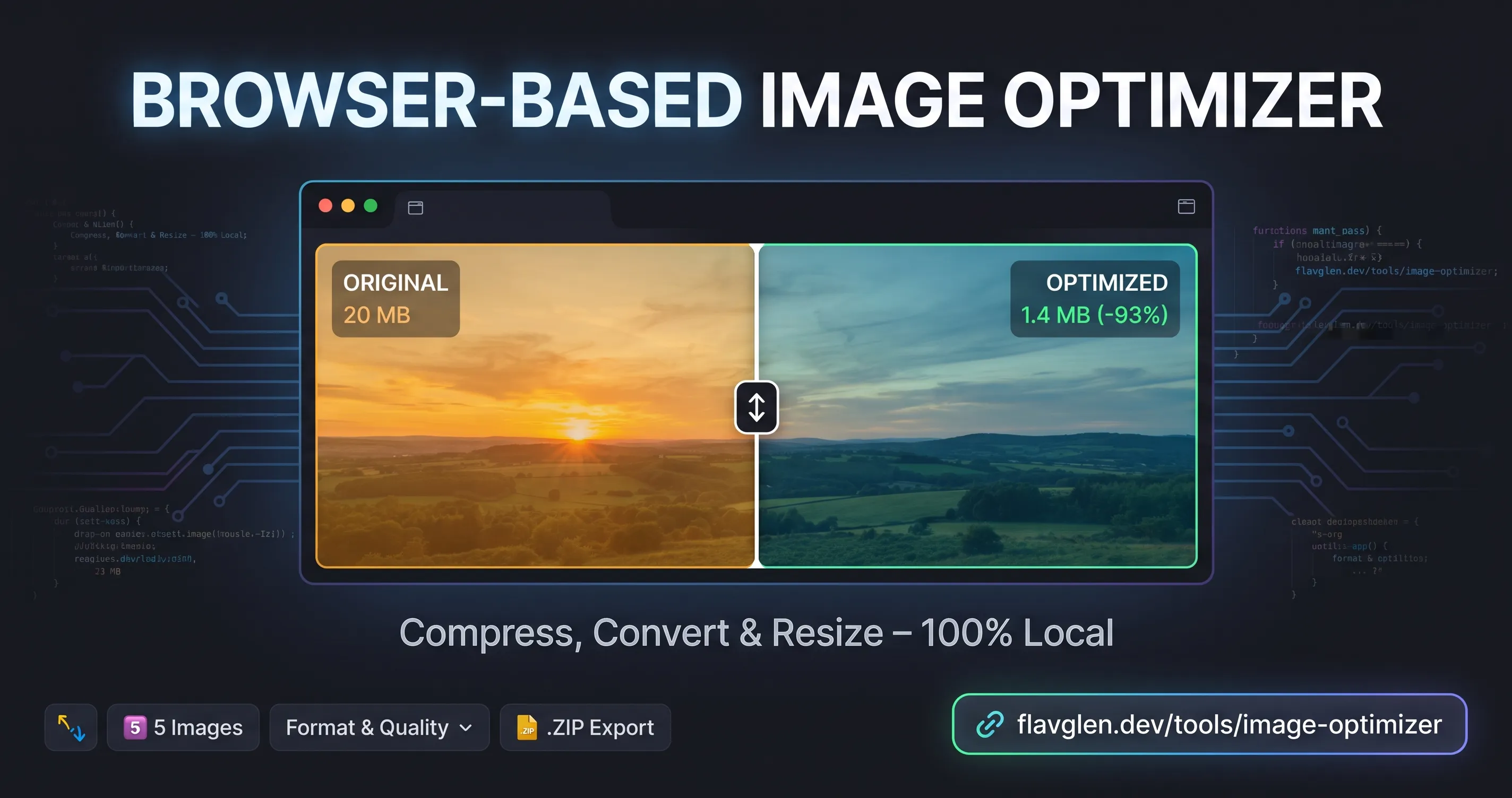
The constraint that shaped everything
Nothing leaves the browser. Ever.
That one sentence decided the whole design. No server means no Sharp, no ffmpeg, no upload queue, no storage bill, and nothing to leak. It also means the engine has to be assembled entirely from what the browser already provides:
createImageBitmap()as the decoder (compressed file → raw pixels)OffscreenCanvas+convertToBlob()as the resizer and encoder (pixels → a brand-new optimised file)A Web Worker to keep all of that off the main thread
Every architectural choice below is downstream of that constraint.
The architecture
┌──────────────────────── UI (React, client component) ─────────────────────────┐
│  DropzoneArea → OptimizationControls → ImageQueueList / ImageCardItem /        │
│  ComparisonModal                                                              │
└───────────────────────────────┬───────────────────────────────────────────────┘
                                │ settings + files
                                ▼
┌──────────────── Queue state machine (useImageQueue) ──────────────────────────┐
│  validate → enqueue (UUID + revision) → 2-job pump → stale-result rejection   │
│  object-URL ledger + revocation + ZIP export                                  │
└───────────────────────────────┬───────────────────────────────────────────────┘
                                │ jobs
                                ▼
┌────────────────── Processor: Worker + graceful fallback ──────────────────────┐
│  boots the worker, probes it, degrades to the main thread when it must        │
└───────────────────────────────┬───────────────────────────────────────────────┘
                                ▼
┌──────────────────────── Engine (host-agnostic) ───────────────────────────────┐
│  validate → plan size → decode → draw → encode → verify → blob + metrics      │
└───────────────────────────────┬───────────────────────────────────────────────┘
                                │
                ┌───────────────┴────────────────┐
                ▼                                ▼
     blob URL → card + download        ZIP writer → one archive
End to end:
drop → validate → queue → worker: decode → resize → encode → verify
     → blob URL + metrics → card → download … or ZIP
The design decisions that mattered
1. Make the engine host-agnostic. The Web Worker and the main-thread fallback call the same pipeline. One implementation means the slow path can never drift away from the fast path.
2. Worker first, main thread as the safety net. The processor probes the worker before trusting it with files, and silently falls back on a missing API, a crash or a timeout. A browser without the fancy APIs gets a slower tool, not a broken one.
3. Verify what the browser can actually do. Browsers don't fail loudly when asked to write a format they can't — they quietly hand you a PNG instead. So the tool probes up front, disables formats that are unavailable, and still walks a fallback chain (AVIF → WebP → JPEG) with a note on the result card telling you what it produced.
4. Guard memory before allocating it. Two concurrent jobs, plus a hard ceiling: anything above roughly 40 megapixels is scaled down before a canvas even exists. A single 8K panorama is about 160 MB of raw pixels — two of them can kill a mobile tab.
5. Treat "settings changed" as a first-class state. Every job carries a revision token, and every result remembers which settings produced it. Stale results get discarded instead of displayed, and the UI flags them honestly rather than showing something that no longer matches the controls.
6. Own every byte, then release it. Previews and downloads are blob: URLs, and a blob URL keeps its data in memory until revoked. Every URL is registered in a ledger, and a sweeper releases anything the queue no longer references — including on unmount.
7. Write the ZIP myself. The images are already compressed, so re-deflating them buys almost nothing. A small STORE-method writer (CRC-32, headers, offsets) is about 80 lines, adds no dependency, and gets validated by real archive readers instead of by eye.
8. Be honest in the UI. PNG output is frequently bigger than the JPEG it came from. Rather than hide that, the card shows +5% and explains why. Trust is a feature.
9. Instrument the funnel, not the noise. Eleven events cover the journey — visit → batch started → images optimised → batch complete → download or ZIP — plus the two questions worth asking: are people hitting the batch limit, and how much do they actually save?
How I built it (the vibecoding part)
AI wrote the majority of the keystrokes. What made that safe was the order of operations:
I wrote the spec first — constraints and invariants in plain language: nothing uploaded, 20 MB per file, never enlarge, never exceed the memory budget, discard stale work, release every URL. Product decisions are mine; a generator can't make them.
The AI produced a complete first draft of every layer — eleven files, all consistent with each other, in one pass.
I reviewed it as an architect, not a typist — looking for missing error paths, wrong trade-offs and dishonest UI, not for style.
I had it write the checks that try to break itself — a Node self-check for the pure logic, and a script that drives real Chrome to exercise the actual engine and UI.
The browser disagreed twice, and both fixes came from step 4 rather than from reading.
What the AI was genuinely good at: volume, consistency and rework. Every validation path has the same shape; the ZIP writer was correct on its first run; changing the batch cap from 24 files to 5 touched six files in a couple of minutes.
What still needed a human:
Architecture — the host-agnostic engine, the queue as a state machine, the memory ledger.
Product judgement — what happens when the "optimised" file is bigger; what to do when a format is unsupported; how to communicate both.
Scepticism — knowing which claims are plausible rather than proven.
The honest summary: the AI writes faster than I do, and it does not know when it's wrong. The leverage isn't in prompt-writing, it's in building the things that catch it. Try it
The tool is live, free, and needs no sign-up: flavglen.dev/tools/image-optimizer.
DEMO